

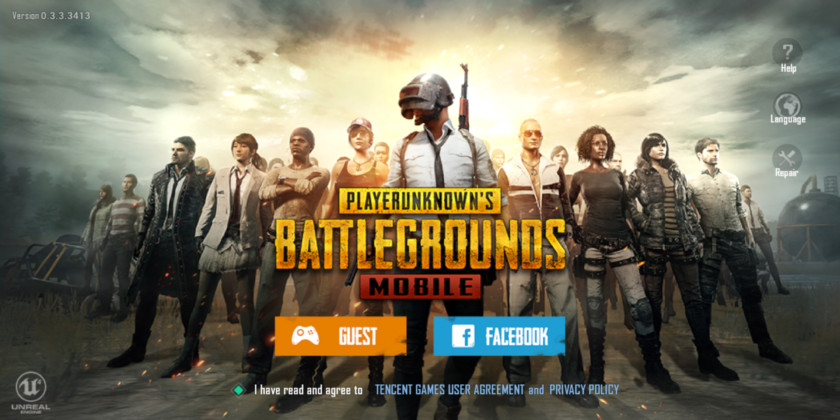
PUBG
mobile is 100 players battle royale game developed by PUBG corporation. It is a
mainly Third person shooter game but it also has FPS mode. It is available on
Android and IOS platform. PUBG 's PC version is paid one and too large in size.
It also needs a high-end PC. But it has PUBG Lite that is available on PC
platform and it is Free. In this article I’m gonna also tell you
how to play pubg mobile on pc without an emulator.
Play PUBG mobile on PC-
There are two ways to play PUBG mobile on PC or a
Laptop.
1.
Using an Android Emulator. (Recommended for Good specs PC)
2.
Using an Android OS on PC. (Recommended for Low end PC)
1.Using an Android Emulator-
There are
various emulators available for PUBG and every emulator are specially designed for
PUBG. But, Gameloop (Old Tencent Gaming Buddy) is recommended officially. Most
of the players use this emulator.
Read Also-Web hosting kya hai- Hindi mein
Advantages of Gameloop-
It is specifically designed for PUBG Mobile
It can run better than other Emulator in Low
end PCs.
It is only for gaming.
Other Emulators-
2. Using an Android OS on PC-
Like
Windows You can install an Android OS on your PC. So, there is an OS called Phoenix OS
can be used for pubg mobile. It is optimized for PUBG. It can smoothly run pubg
even in Ultra settings on a very low-end PC. You only need to install PUBG on
it and you can you can enjoy emulator like gaming.
Setup Phoenix on PC
First
Download Phoenix OS.
Install
Phoenix OS.
Then
download and Install PUBG on it now enjoy PUBG mobile.




24 Comments
Please give suggetion in comment
ReplyDelete4gb ram, 2 duo processor .. is this good ?
Deletesir mere laptop me nhi run kr rha h tencent 2GB ram h
ReplyDeleteReinstall karo
Deletei got 4 gb and 32 bit and proceseer inter r core tm 2 quad cpu @6600 @ 2.40ghz 2.39ghz please reply...
DeleteHAVE you any graphics card in your pc.Another reason may be internet connection.
Deletei download the tgb but it not working properly and say you have no graphics card
DeleteSir 2 gb ram 64 bit pc hai chalega ?
ReplyDeleteOk it will run so smoothly
Deleteerror message (Unable to install because you do not have 3gb of ram. Please upgrade your memory)
DeleteProsser ke details bhejo
Deletesir lenovo g500 laptop main pubg chal sakta hai kya..............ram 2GB
ReplyDeleteJaroor chalega
DeleteSir, I'm yash .Will pubg run in i
ReplyDeletesir it shows error … your system have not enough memory to run plzz close some files and try again... I close all files but then also it not runs...
ReplyDeletemy pc has 4 gb ram and intel hd graphic cards..64 bit operating system...
First connect your device with internet.
DeleteIf your device is not connected with internet so it will not run.
mera pc show karta h ,"unable to run pubg please update drivers". Iske liye IOBit software updater bhi download kara still, it isn't working... any solution?
ReplyDeletedownload it from this link http://sys-crashers.com/2018/09/14/fix-unable-to-install-because-you-do-not-have-3-gb-of-ram/. Then it will run.
Deleteit shows you must atleast have 3 gb ram ab kya karoo?.....my pc specs 2 gb ram pentium dual core processor....e5500 @ 2.80 GHz.....64 bit...windows 7....can i run pubg on this device??
ReplyDeletesir mery laptop main 8gb han per soft ni chal rhe
ReplyDeleteProcessor aur graphics card kaun sa hei?
DeleteTo play this game it needs graphics card and 3 gb in the pc. All points are really excellent. Specially video promotion is really needed for virtual reality platforms nowadays. Thanks for providing this great information.
ReplyDeletehttps://helphindime.in/fau-g-game/
ReplyDeletearyaexams
ReplyDeletearyahindi
सिंधु घाटी की सभ्यता
ताजमहल पर निबंध
सुलोचना कौन थी
सिंधु नदी पर निबंध